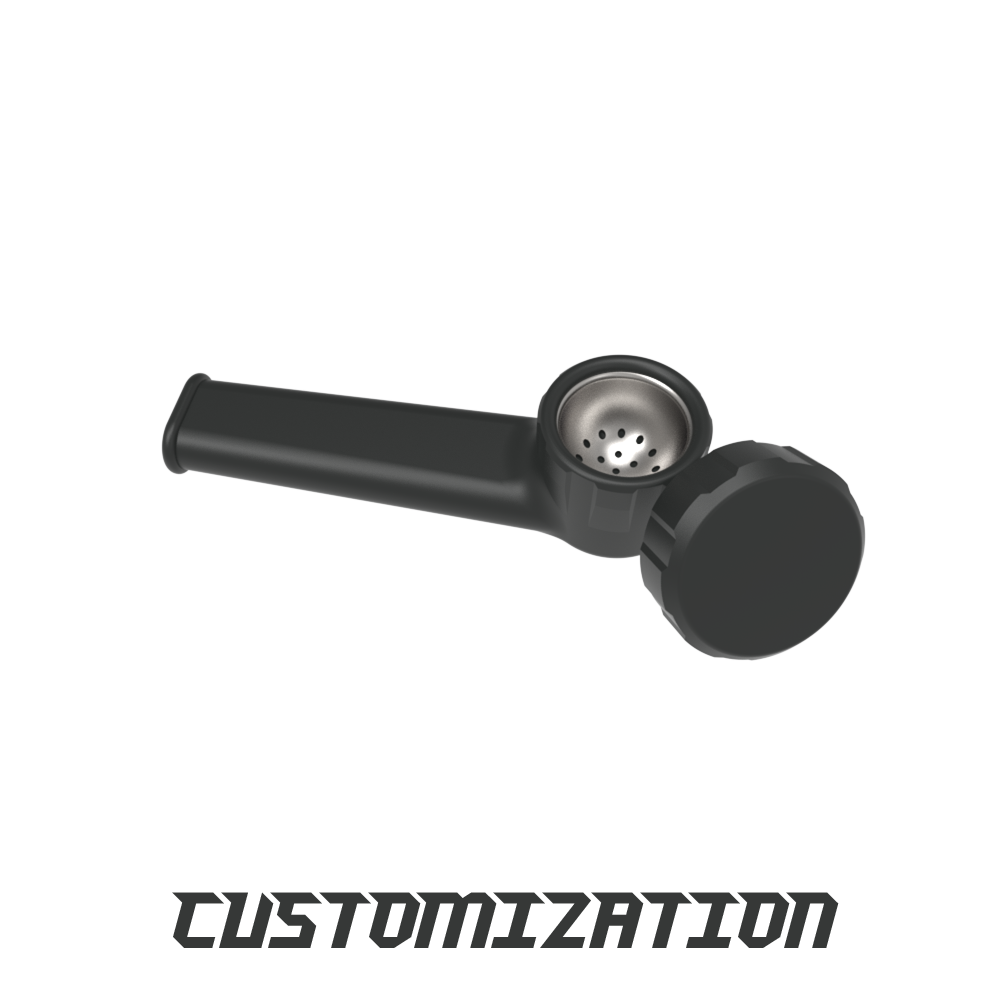
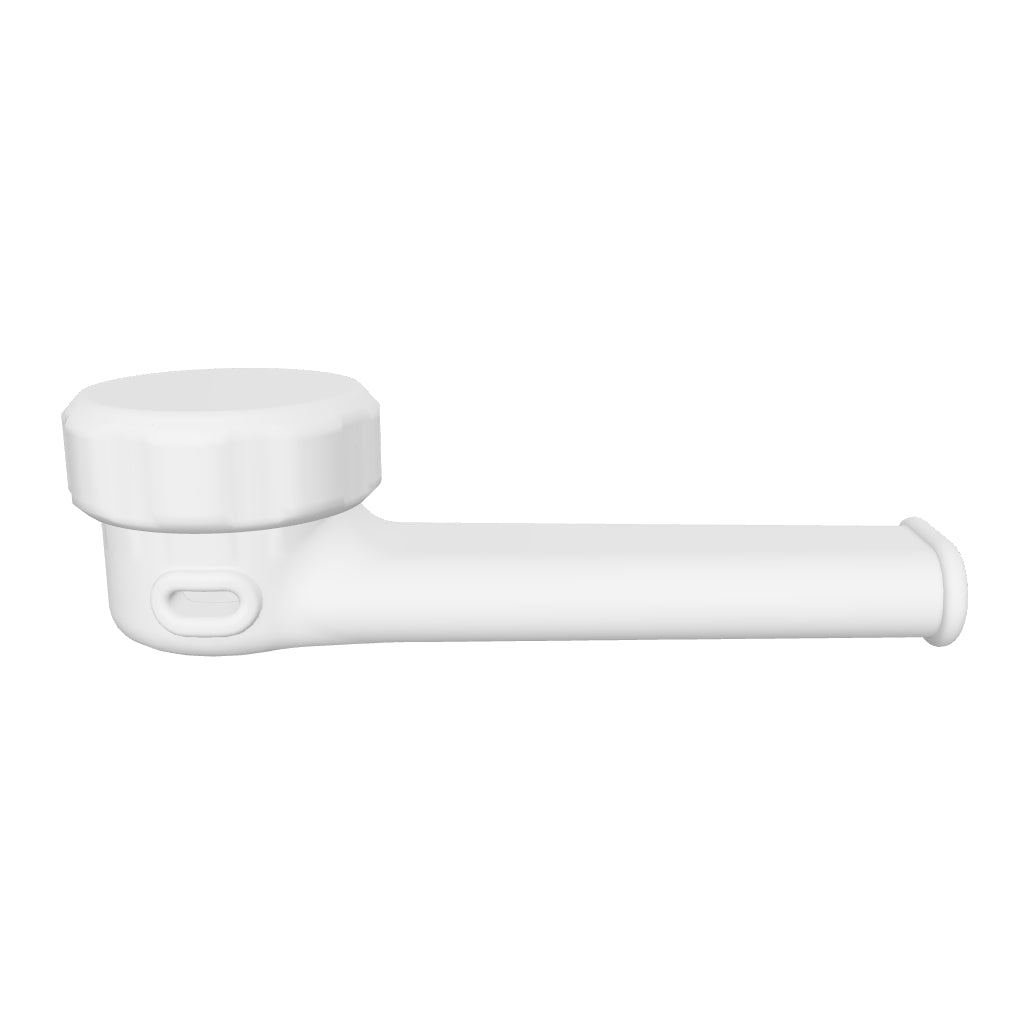
Customization
How to customize your PieceMaker in 8 easy steps
Follow these steps to create your own one-of-a-kind design.
- 1Step 1: Choose your productClick on the product you want to customize.
- 2Step 2: Pick a colorSelect the color of the product you want to customize and tap the next arrow.
- 3Step 3: Customize the bodySelect to add text or an image to the body of the product. (Text recommended)
- 4Step 4: Add your designAdd the text or image you want to use.
- 5Step 5: Customize the capSelect an image or text to add to the cap. (Image recommended)
- 6Step 6: Add your cap designAdd the image or text you want to use. One-color designs only, with the background color matching the color of the cap.
- 7Step 7: Add to cartHappy with your design? Add it to your cart.
- 8Step 8: Check outComplete your order at checkout.
Free Shipping
Receive free shipping at $60
Customer Service
Contact us here
Rewards
Click on the gift in the left corner and join our rewards program
Secure Payment
All payments are processed securely through Authorize.net